
Using Ideal-Gen.AI for Problem-Based Learning
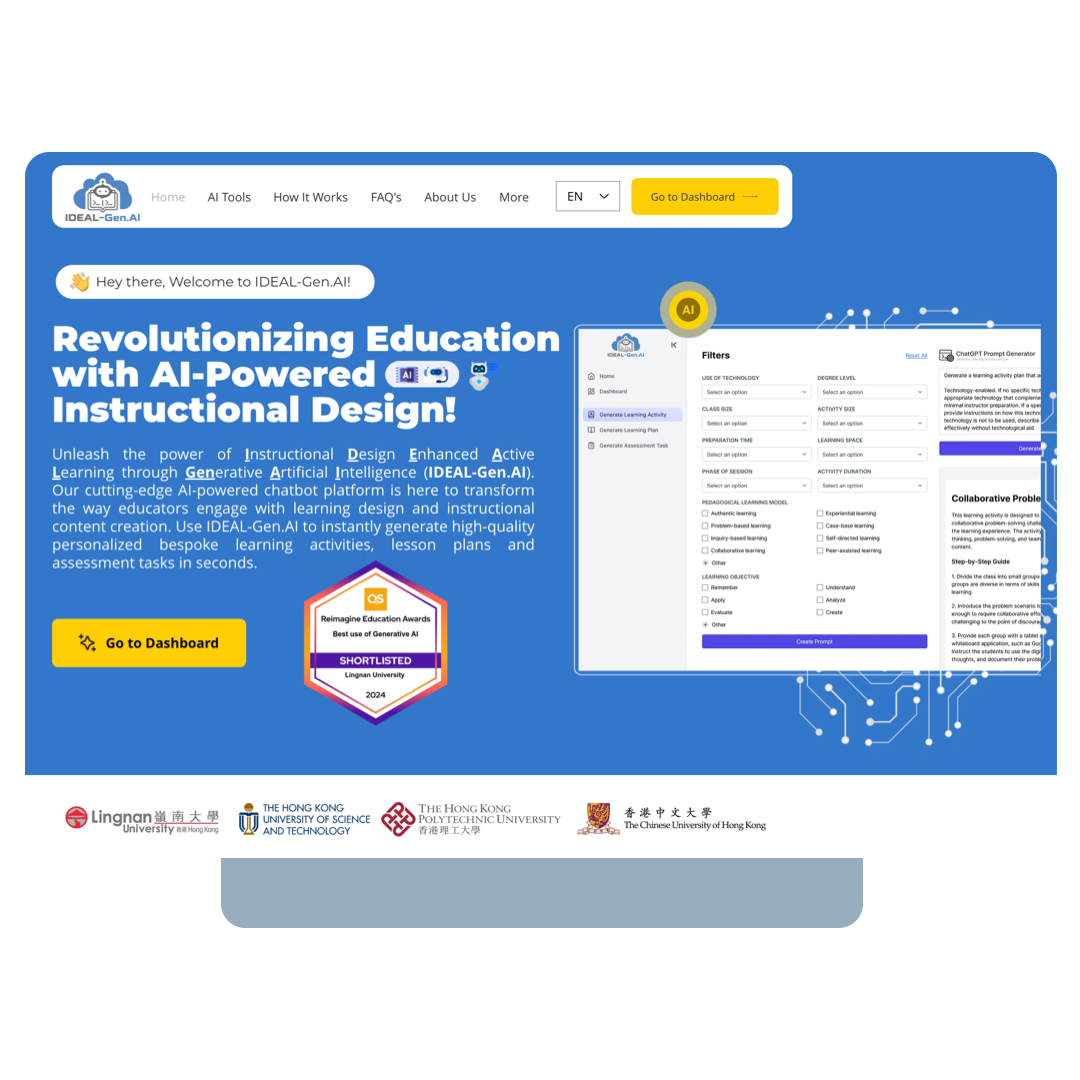
To begin, access www.ideal‑gen.ai and click "Go to Dashboard".
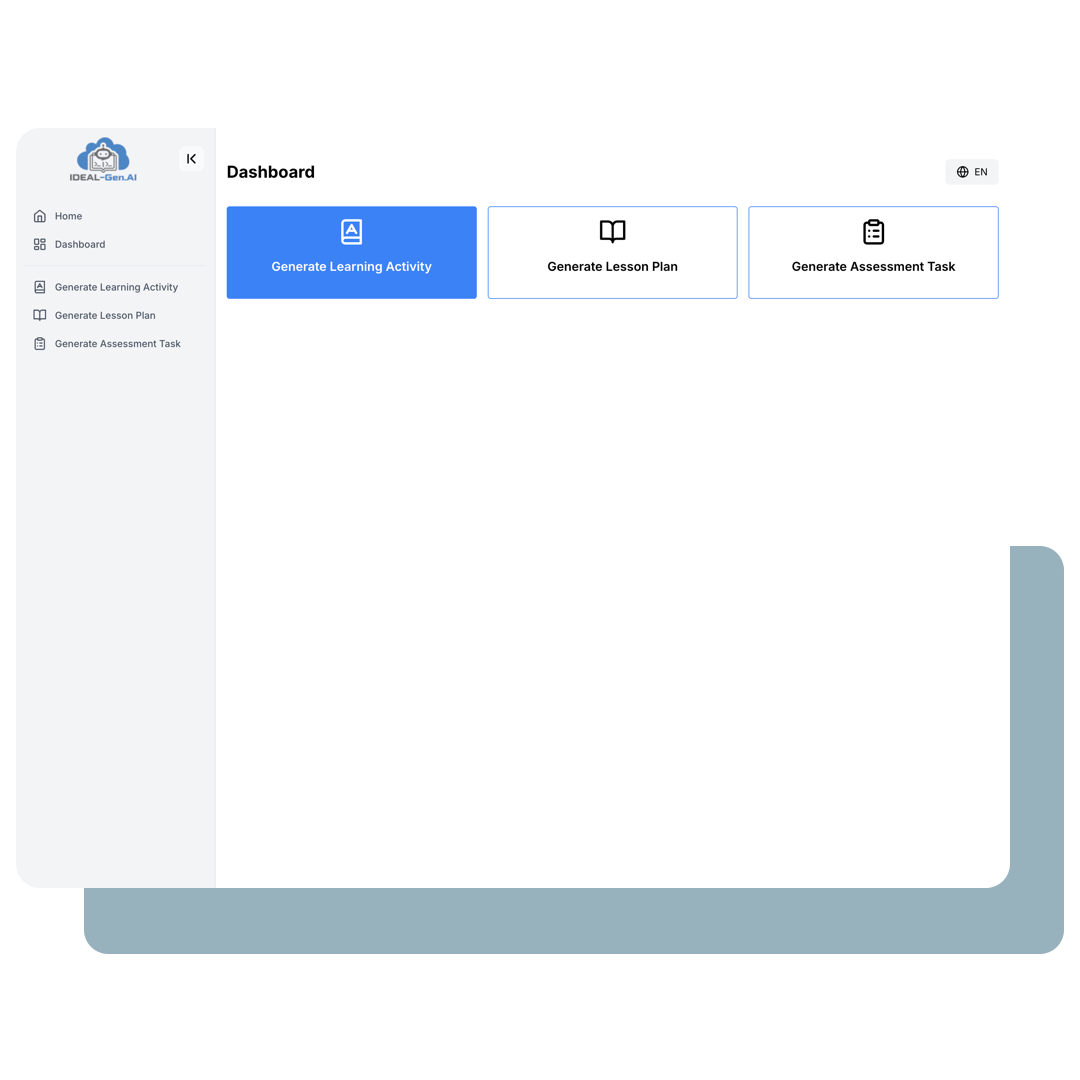
I. Generate Learning Activities
Click "Generate Learning Activities".
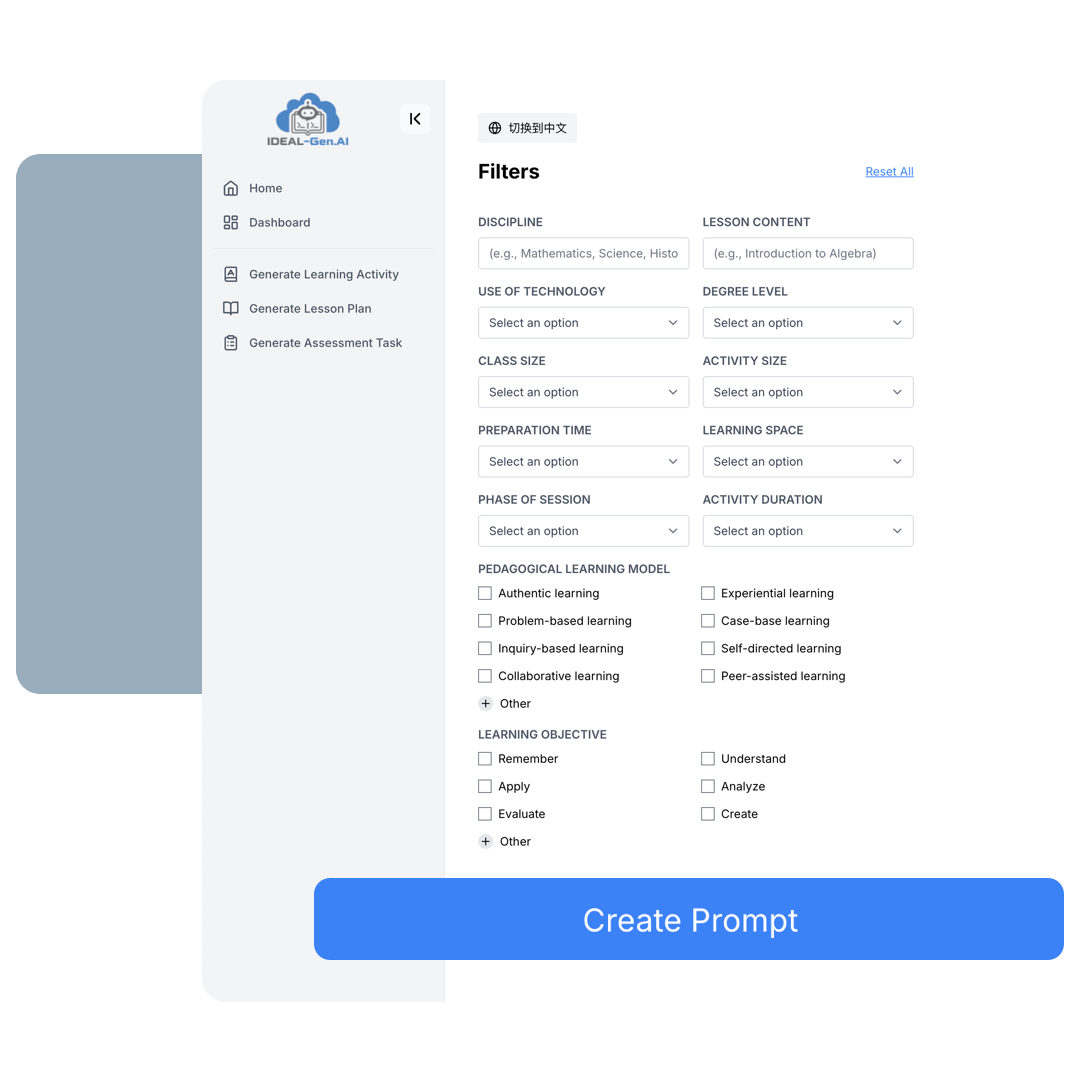
Step 1: Define Content and Pedagogy
- Enter the discipline and learning content.
- Select the use of technology, degree level, class size, activity size, preparation time, learning space, phase of session, activity duration, pedagogical learning model, and learning objective.
- Click "Create Prompt".
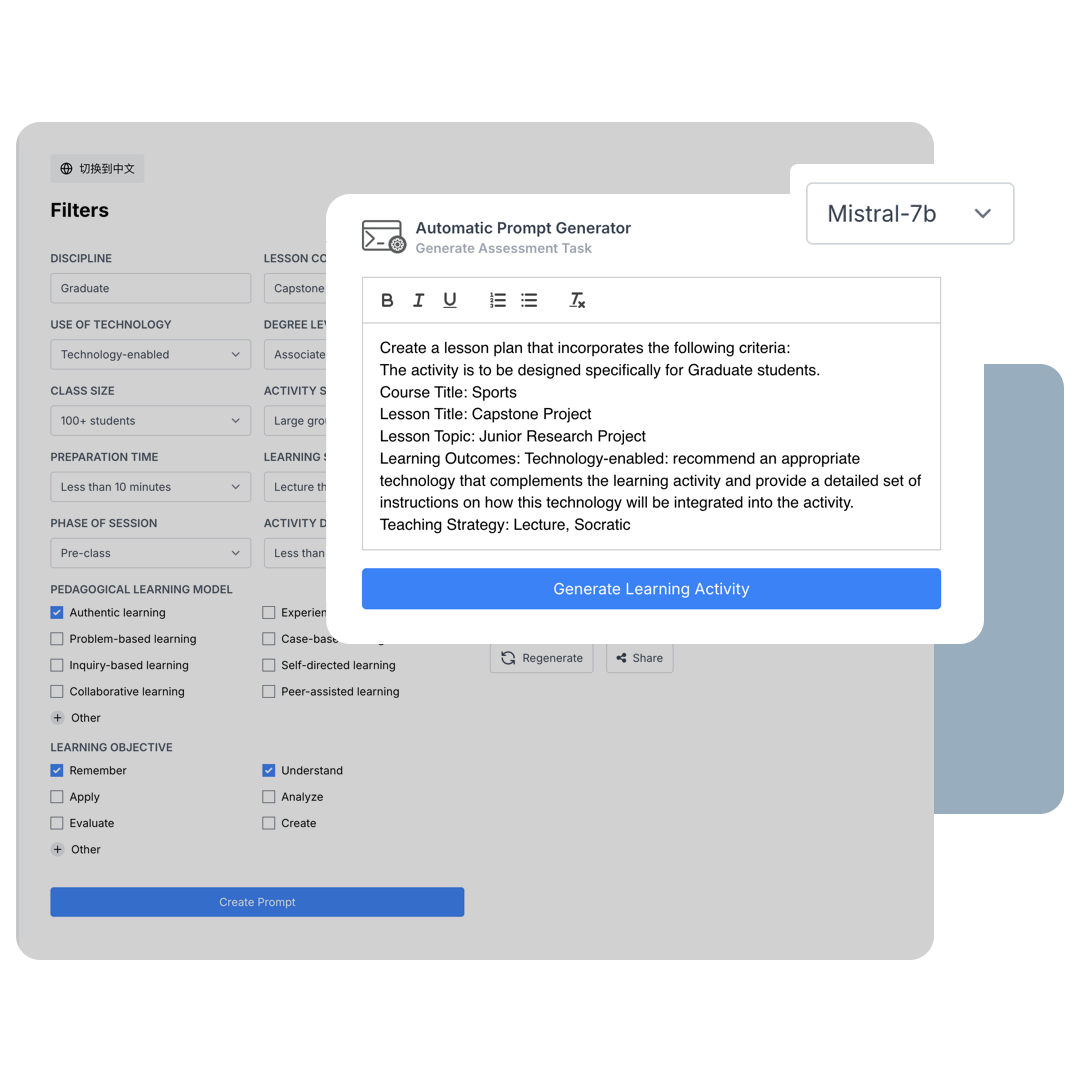
Step 2: Choose Model and Settings
- Select the language model.
- A prompt will be created and can be adjusted before clicking "Generate Learning Activity".
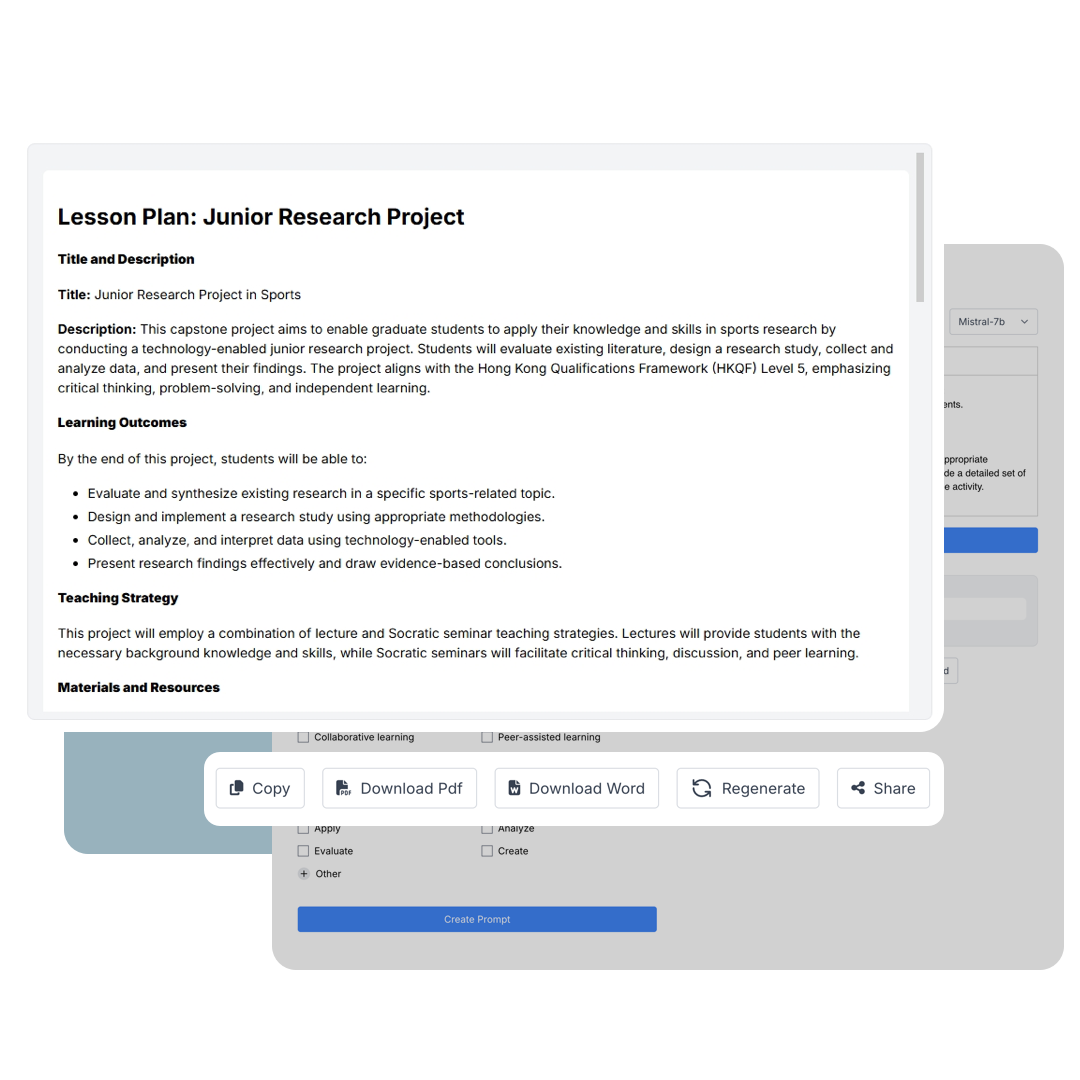
Step 3: Finalise, Download, and Share
-
Your customised learning activity has been generated. You can:
- Copy it as text
- Download it as a PDF
- Download it as a Word document
- Regenerate the content
- Share it via social media or email